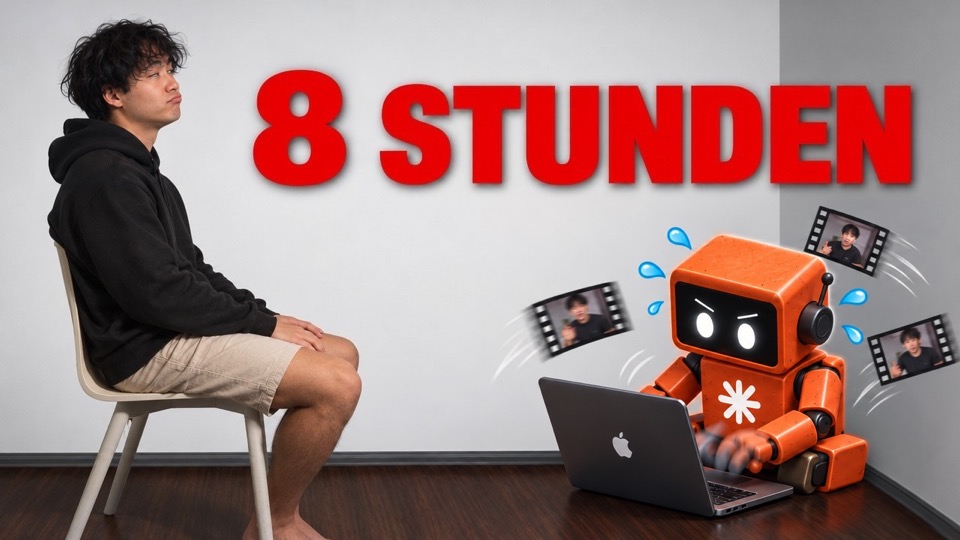
ChatGPT manages my personal brand
A week of ChatGPT managing my personal brand: next to my full-time job, I wanted to film this vlog, make 15 reels and go to the gym. I can only pull that off because ChatGPT and Codex edit directly in DaVinci Resolve via MCP. My biggest takeaway: find your bottleneck. For me, it was editing.
The video loads only when you click play. Then your browser connects to YouTube (Google), and Google may store data on your device. Privacy policy
Find your bottleneck
AI is not good at everything. When you use it to write scripts, the results are often bad. A better question is: where is your bottleneck?
For me it is editing. I can film a lot of videos, but I hate editing more than anything. It also takes a lot of skill to do it well. That is why editing is one of the first things most AI creators automate.
Find your bottleneck. For me, it is editing.
My editing setup
I edit in DaVinci Resolve. ChatGPT and Codex are connected to DaVinci Resolve through MCP, and they use computer use to make the cuts.
The agent makes the rough cuts and picks images. That helps a lot, and you can automate a big part of the work. But pauses are still a weak spot. My 12 rough cuts are not perfect, and I finish the rest myself.
Test variations, not one perfect video
With AI editing you can test many versions of one reel: different hooks and different edit styles. At the start you do not know what works. And most people do not care if you post a lot.
So I post a lot and collect data. My last batch was 29 videos, and now I have 30 more in the pipeline. Some will be better, some worse. The hard part: you still have to review all of them.
A big queue also means less panic on days when I can not post anything new.
Research with Sandcastles
Instead of scrolling past so much noise, I use Sandcastles. You build a watchlist of channels, and an outlier score shows which videos performed better than average.
The goal is not to copy videos. The goal is to understand the topic and why people liked it. One example: a creator presents one skill every week in a series called "Skill of the Week". I will do the same with my own skills, because I work with AI anyway.
Don’t copy the video. Understand why people liked it.
A simple filming setup
My setup is as simple as possible: my phone camera, EarPods, and the teleprompter in the Edits app.
At the start of content creation, the hardest part is talking to the camera at all. I am still learning to speak and to build presence on camera. What I learned so far: the topic and your angle matter most. If the topic and your opinion are interesting, people will watch.
Testing Diffusion Studio
I am testing a new tool called Diffusion Studio. It is like Figma for video: an infinite canvas with all your videos, a timeline, and a chat on the left. You can put three or four versions side by side and iterate fast.
That fixes a real problem I had with DaVinci Resolve. The agent kept creating timeline copies, until I had about four times too many timelines per video. But Diffusion Studio used 26 GB of swap on my laptop. With DaVinci Resolve it is about 4 to 5 GB.